 LoopChime
Start, end, interval
It rings from the start until just before the end, at the interval you set. You can see today’s times and the count before you save.
Android · No account · No ads
Water, pills, stretching, focus, and an hourly chime. Set a start, an end, and an interval. Skip just this one from Home. History stays on your phone.
Not a medical device. You choose the time. Follow your doctor or pharmacist for the dose.
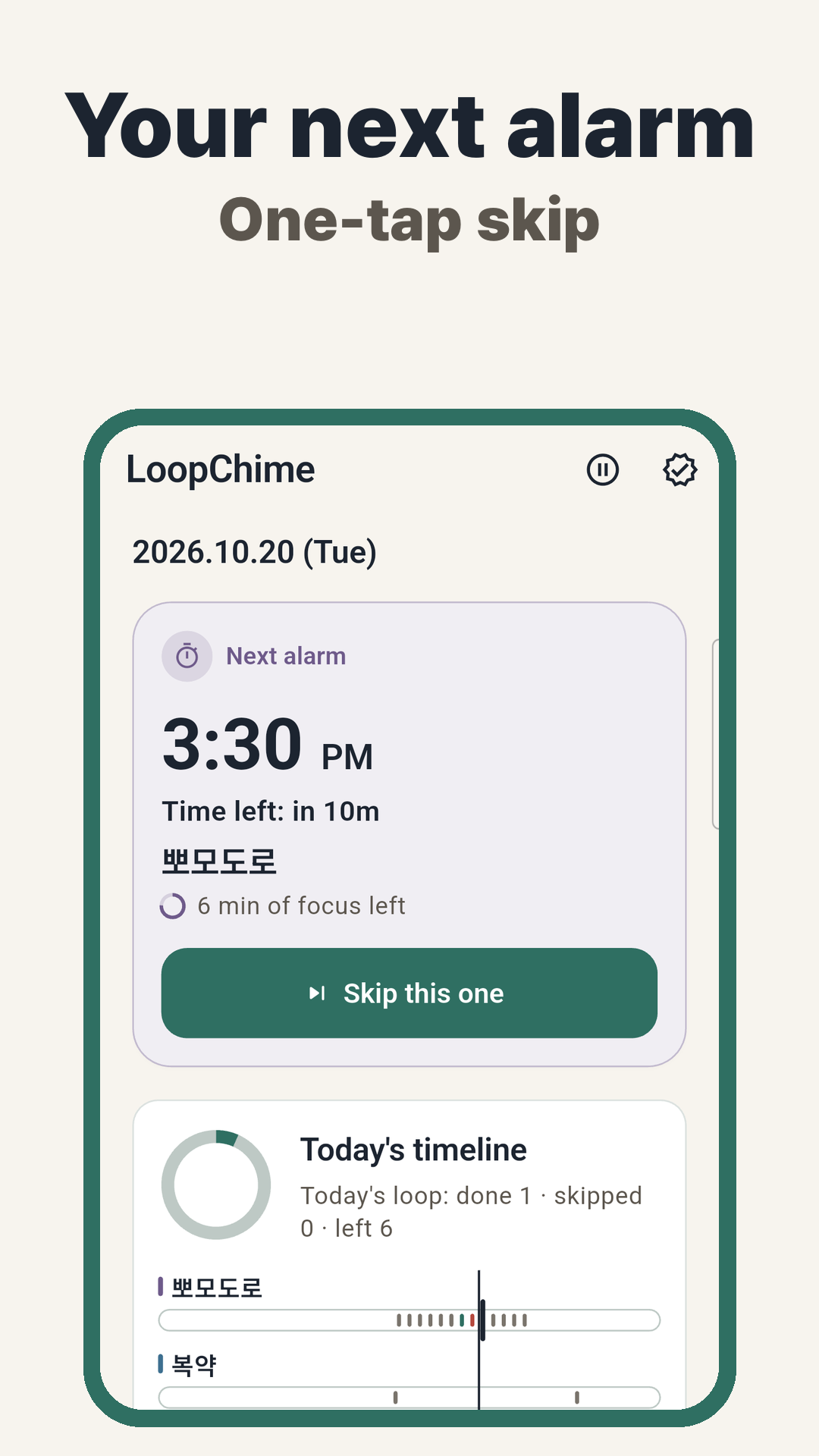
It rings from the start until just before the end, at the interval you set. You can see today’s times and the count before you save.
Skip only the next alarm, and undo it right away. You can also pause everything for an hour, the rest of today, or until a date you pick.
Alarm reliability shows your permissions and battery settings. A test alarm rings one minute later so you can see if it was on time.
Same as the app. It rings at the start time, not at the end time. A focus block counts only if it finishes before the end.
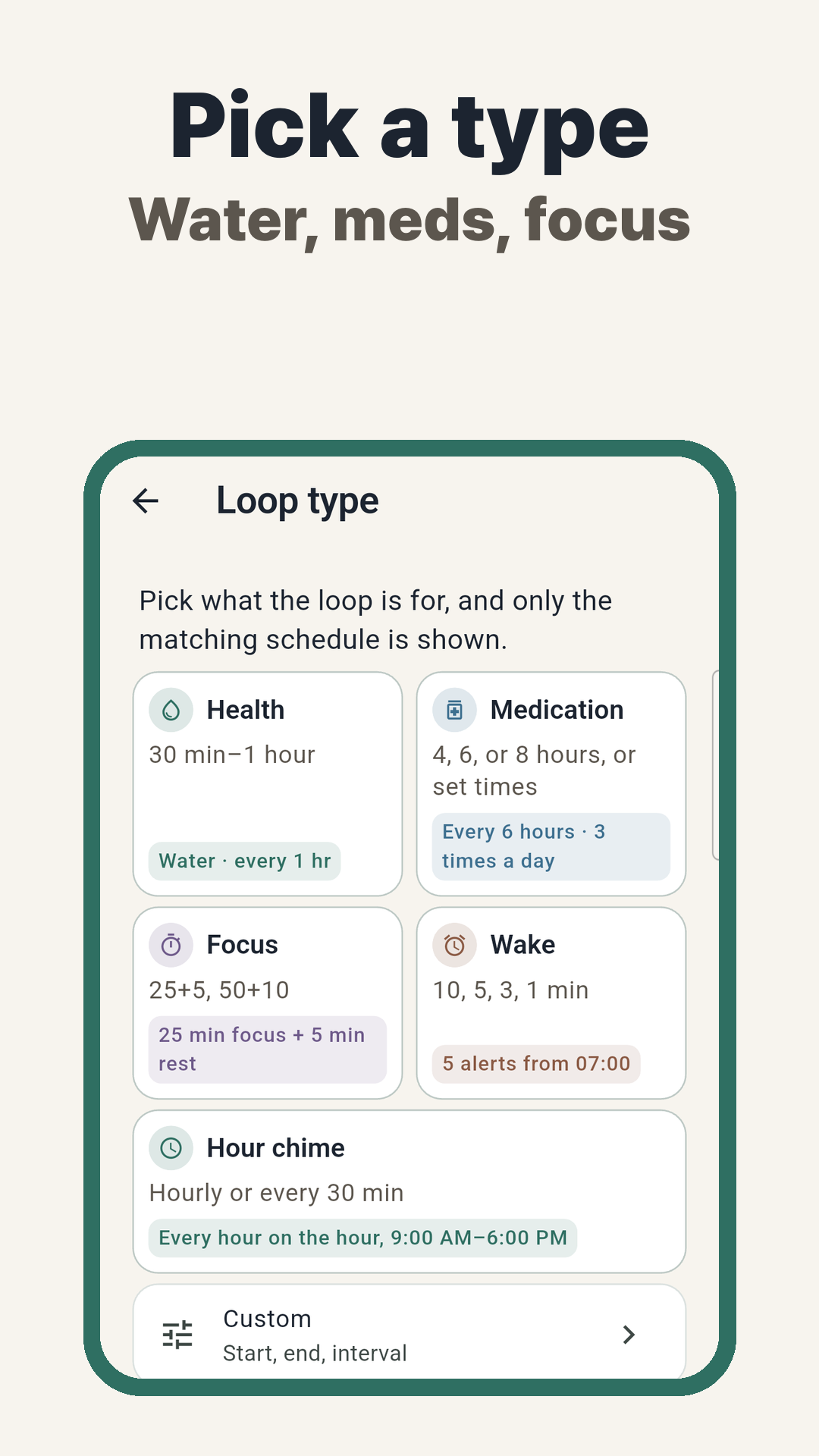
Water, medication, focus, wake-up, hourly chime, or custom
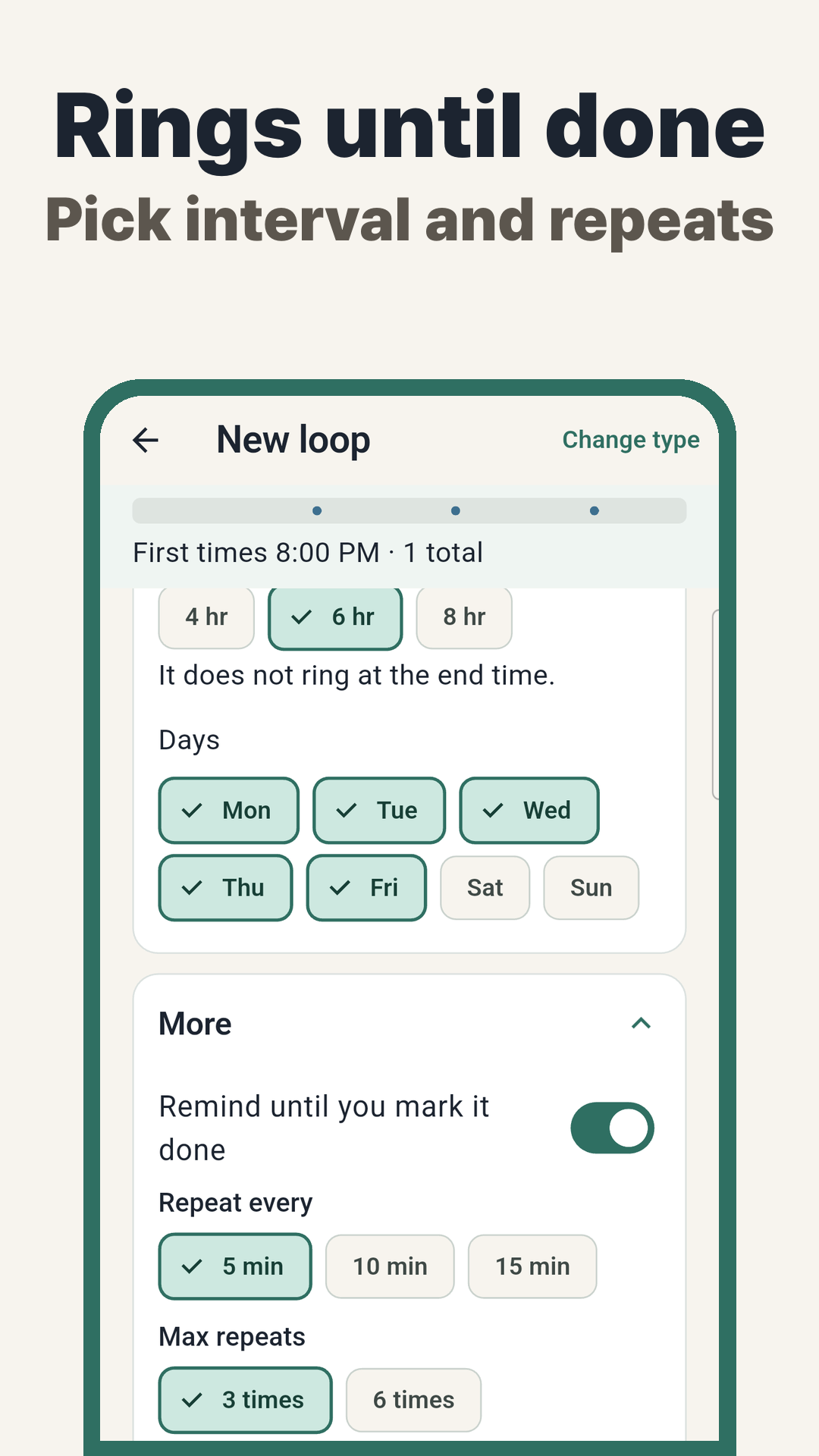
Every 5, 10, or 15 minutes, up to 3 or 6 times
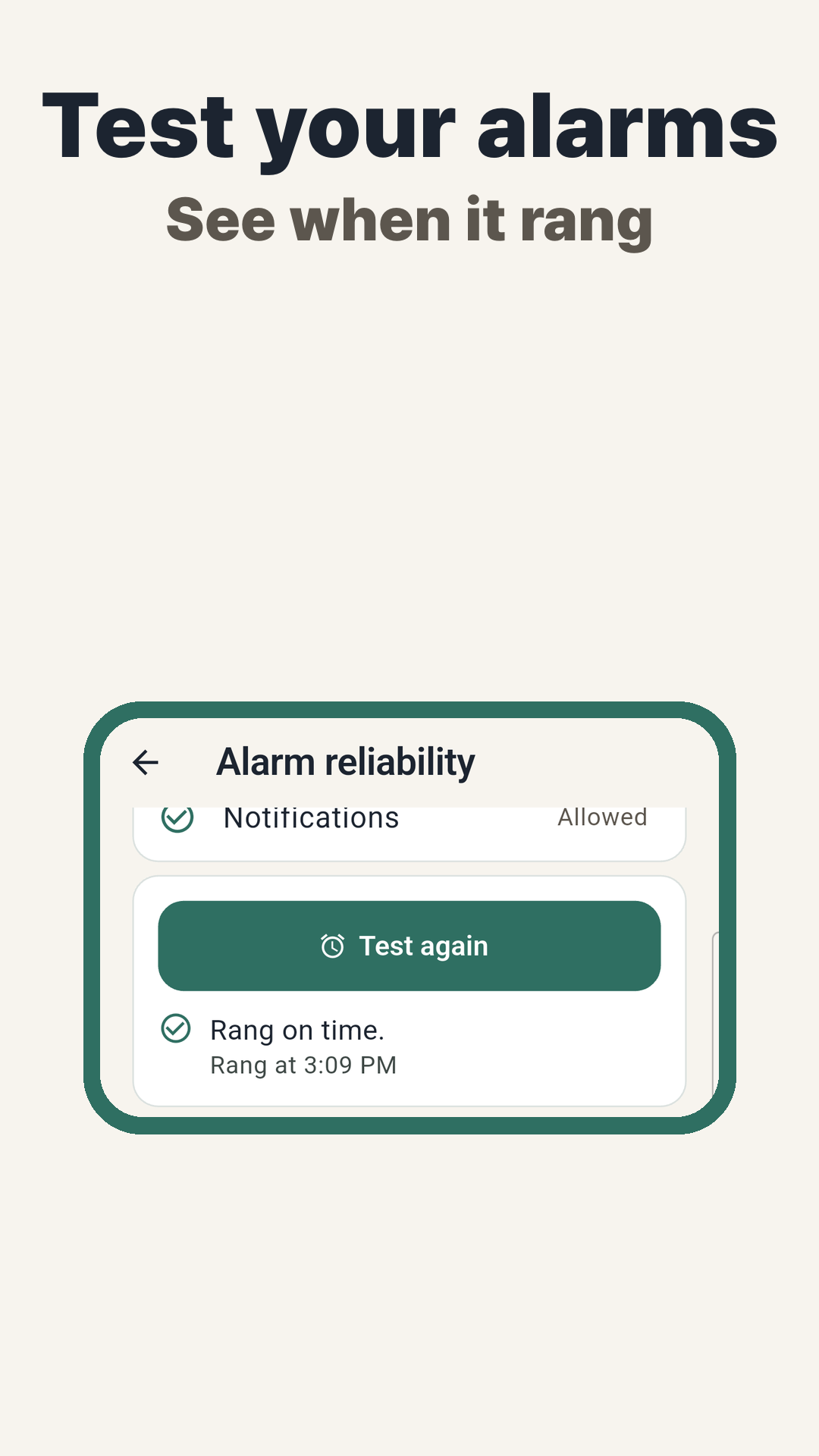
See if the test rang on time
The price is what Google Play shows at checkout. When Play offers it, the yearly plan can start with a 7-day trial and a lower price for the first year.
No. Routines and the last 90 days stay on your phone. Nothing is sent to our server.
Battery saver, notification permission, and Do Not Disturb can make an alarm late or silent. Check Alarm reliability and run a test first. Don’t use LoopChime as the only reminder for something you can’t miss.
No. It only rings at the time you set.
In Settings, use Export local backup and Import local backup. The file isn’t encrypted, so check where you send it.